- 9390612347 | 9985023600
- dilsukhnagar@smartcadindia.com
- Hyderabad, Bengaluru
AUTOCAD ELECTRICAL TRAINING COURSE
Learn AutoCAD from basics to advanced 2D drafting and 3D design with practical projects, expert trainers, and industry-focused training. Build the skills you need for careers in Civil, Mechanical, Architecture, and Design.
Fill the form and our team will get in touch with you.
The AutoCAD Electrical course is designed to teach professionals how to use AutoCAD Electrical, a specialized software from Autodesk tailored for designing and documenting electrical control systems. This course focuses on the unique features and tools provided by AutoCAD Electrical to streamline the process of creating electrical schematics, control panels, and wiring diagrams. The AutoCAD Electrical course provides training on the use of AutoCAD Electrical software, which is an extension of AutoCAD specifically developed for electrical engineering tasks. The course covers the software’s features and functions that are essential for designing electrical systems, automating tasks, and creating accurate and detailed electrical documentation. The AutoCAD Electrical course is designed to teach professionals how to effectively use AutoCAD Electrical for designing and documenting electrical systems. It covers a broad range of topics, including basic software functions, advanced design tools, automation features, documentation, and industry standards. The course aims to improve design accuracy, efficiency, and productivity while preparing participants for certification and enhancing career opportunities in electrical design. We are best AutoCAD Electrical training institute in Hyderabad.
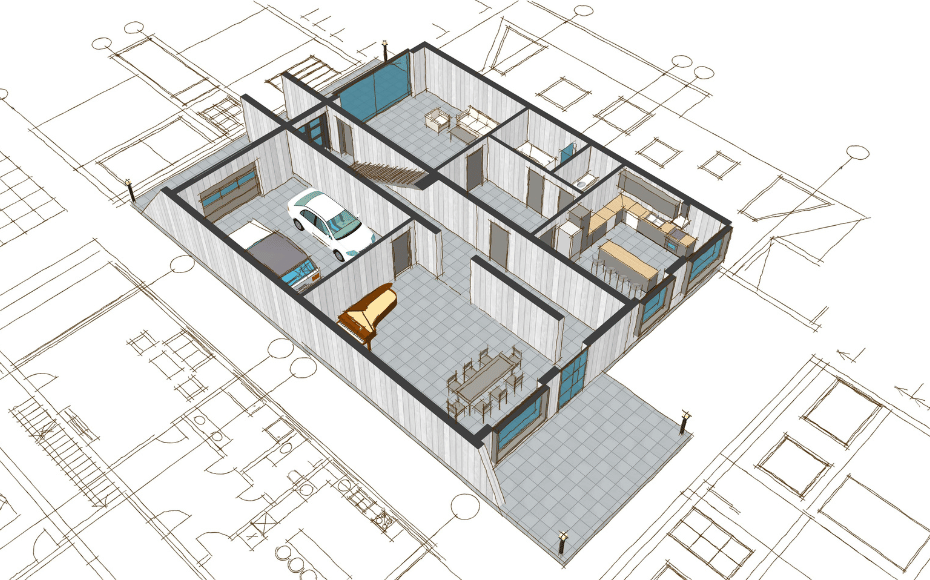
AutoCAD Electrical is a specialised training program focused on using AutoCAD Electrical, a software application from Autodesk designed specifically for creating and managing electrical control systems. The course aims to equip professionals with the skills and knowledge needed to effectively use AutoCAD Electrical for electrical design and documentation. AutoCAD Electrical is a version of AutoCAD tailored for electrical design. It provides tools and features specifically for creating electrical schematics, control panels, and wiring diagrams. The software is used by electrical engineers, designers, and technicians to design and document electrical systems, ensuring that designs are accurate, efficient, and compliant with industry standards. The AutoCAD Electrical course is designed to teach professionals how to effectively use AutoCAD Electrical for electrical design and documentation. It covers the basics of the software, advanced design tools, automation features, collaboration, and industry standards. The course aims to improve efficiency, accuracy, and productivity in electrical design while also preparing participants for certification and enhancing their career prospects in the field of electrical engineering and design. We are the best AutoCAD training institute in Hyderabad.
SmartCAD India is the best AutoCAD Electrical course training institute in Hyderabad. We are providing 100% placement assistance in Hyderabad. SmartCAD India training institute provides high-quality education and practical training to grab skills in software design. We are providing training with industry experts. SmartCAD India Training Institute has industry partners, offering students internships and career placement assistance. SmartCAD India Training Institute provides ISO certification after completing the AutoCAD Electrical course. Choose SmartCAD India training institute for a successful career and professional growth. We are the best AutoCAD Electrical training institute in Hyderabad.
WHY SMARTCAD INDIA
Get practical, industry-focused training with experienced trainers, hands-on projects, and personal guidance throughout your learning journey.
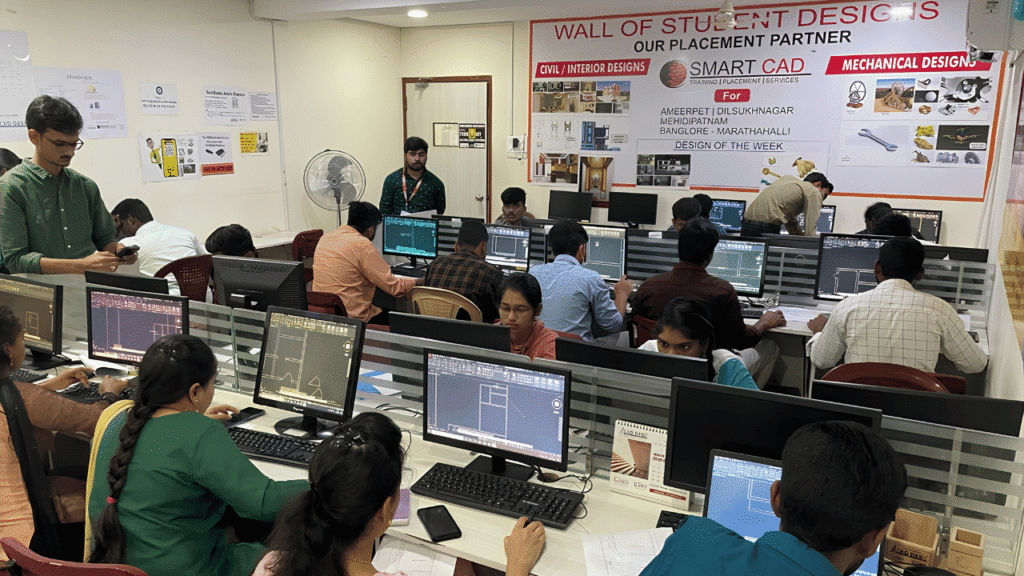
Learn CAD, BIM, Architecture, Civil and Mechanical tools through practical, job-oriented training.
Learn from experienced professionals who simplify complex concepts and guide you through real projects.
Work on real-world projects and assignments to turn classroom knowledge into practical skills.
Get one-to-one support, doubt clarification and guidance whenever you need it.
Student Support
CAREER NETWORK
Our students build industry-ready skills that open opportunities across architecture, engineering, construction, design and project management.












STUDENT SUCCESS
From classroom learning to professional careers — see how SmartCAD India students are applying their skills in the industry.














STUDENT EXPERIENCES
Hear from students who learned industry-relevant CAD and design skills, worked on practical projects, and took the next step toward their careers.
The system requirements can vary based on the version, but generally, you’ll need a compatible Windows operating system, a multi-core processor, sufficient RAM (typically 8GB or more), and a dedicated graphics card.
You can download AutoCAD Electrical from the Autodesk website. Follow the installation instructions provided, which typically involve running the installer and following the on-screen prompts.
Yes, AutoCAD Electrical includes tools for automating repetitive tasks, such as generating Bills of Materials (BOMs), creating wire lists, and standardizing annotations.
Common issues include software crashes, problems with plotting or printing, and difficulties with file compatibility. Autodesk’s support resources can help troubleshoot these issues.
While AutoCAD is a general-purpose CAD software, AutoCAD Electrical is specifically designed for electrical control design. It includes specialized tools and
Yes, SmartCAD India provides hands-on training with live projects for better understanding and industry exposure.