- 9390612347 | 9985023600
- dilsukhnagar@smartcadindia.com
- Hyderabad, Bengaluru
TWINMOTION TRAINING COURSE
Learn professional architectural visualization with the Twinmotion Course in Hyderabad at SmartCAD India. This course is designed for architecture students, civil engineers, interior designers, and 3D visualization professionals.
Fill the form and our team will get in touch with you.
The Twinmotion Course offered by SmartCAD India is designed to teach users how to effectively use Twinmotion, a powerful 3D visualization tool developed by Epic Games. Twinmotion is widely used for creating high-quality, real-time visualizations and immersive experiences in architecture, urban planning, and landscape design. The Twinmotion course aims to provide comprehensive training on using Twinmotion to create realistic, interactive 3D visualizations and animations. The course is structured to help learners master the software’s features and apply them effectively in their projects, whether for architectural presentations, urban planning, or other design purposes. The Twinmotion course at SmartCAD India provides a thorough education in using Twinmotion to create realistic, interactive visualizations and animations. It is designed for professionals, students, and enthusiasts who wish to enhance their visualization skills and produce high-quality visual content for architectural, design, and urban planning projects. We are the best Twinmotion training institute in Hyderbad.
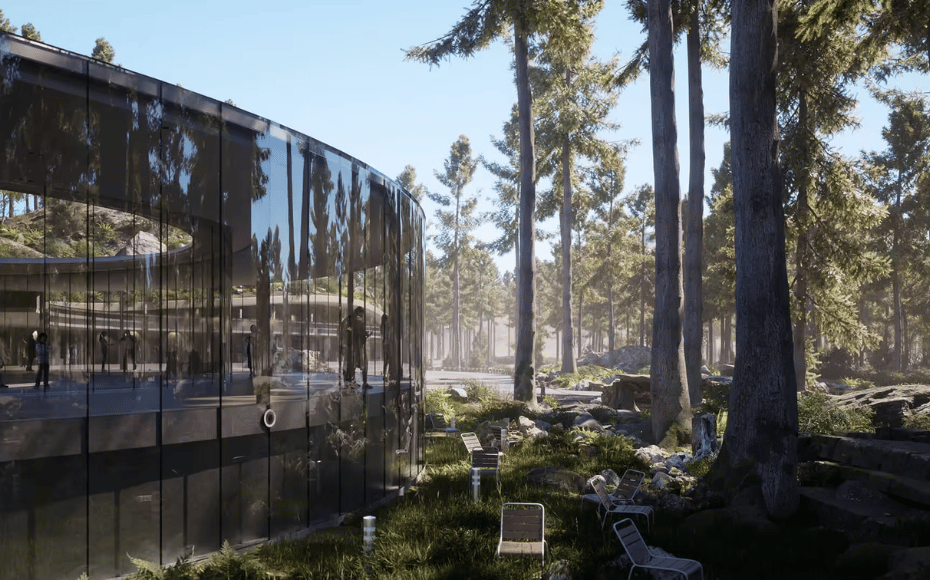
The Twinmotion Course at SmartCAD India is a specialized training program designed to teach users how to effectively use Twinmotion, a powerful real-time 3D visualization tool developed by Epic Games. Twinmotion is renowned for its ability to create stunning, photorealistic renderings and immersive visual experiences in a highly intuitive and user-friendly environment. The course aims to provide comprehensive training on Twinmotion to enable users to create high-quality, realistic visualizations and animations for a variety of design applications. It focuses on mastering Twinmotion’s features to enhance presentations and client communications in fields such as architecture, interior design, and urban planning. The Twinmotion course at SmartCAD India provides detailed training in using Twinmotion for creating realistic and interactive visualizations. It is ideal for professionals, students, and enthusiasts who want to enhance their skills in 3D visualization and produce high-quality visual content for various design applications. We are the best Twinmotion training institute in Hyderabad.
SmartCAD India is the best Twinmotion course training institute in Hyderabad. We are providing 100% placement assistance in Hyderabad. SmartCAD India training institute provides high-quality education and practical training to grab skills in software design. We are providing training with industry experts. SmartCAD India Training Institute has industry partners, offering students internships and career placement assistance. SmartCAD India Training Institute provides ISO certification after completing the Twinmotion course. Choose SmartCAD India training institute for a successful career and professional growth. We are the best Twinmotion training institute in Hyderabad.
WHY SMARTCAD INDIA
Get practical, industry-focused training with experienced trainers, hands-on projects, and personal guidance throughout your learning journey.
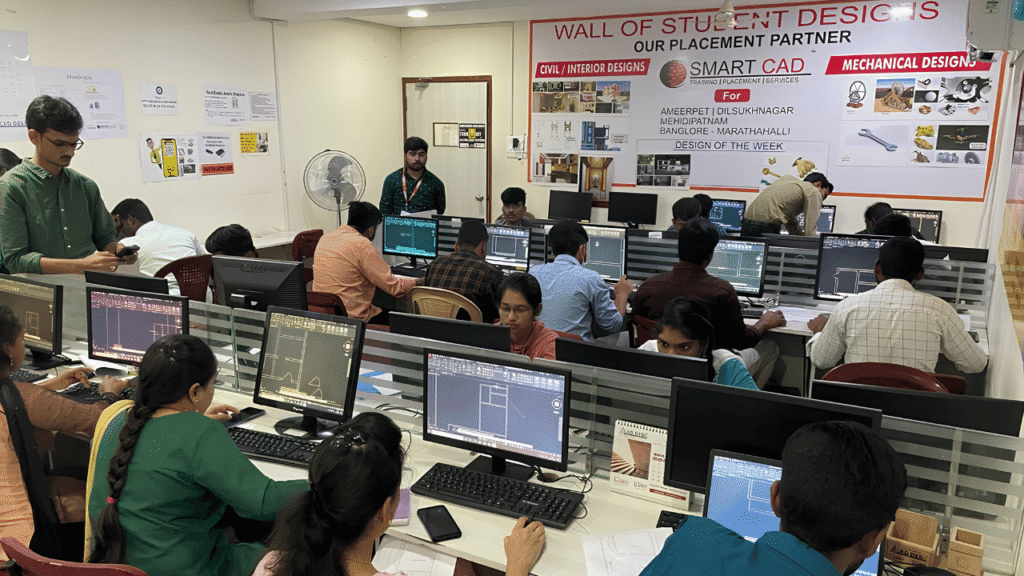
Learn CAD, BIM, Architecture, Civil and Mechanical tools through practical, job-oriented training.
Learn from experienced professionals who simplify complex concepts and guide you through real projects.
Work on real-world projects and assignments to turn classroom knowledge into practical skills.
Get one-to-one support, doubt clarification and guidance whenever you need it.
Student Support
CAREER NETWORK
Our students build industry-ready skills that open opportunities across architecture, engineering, construction, design and project management.






STUDENT SUCCESS
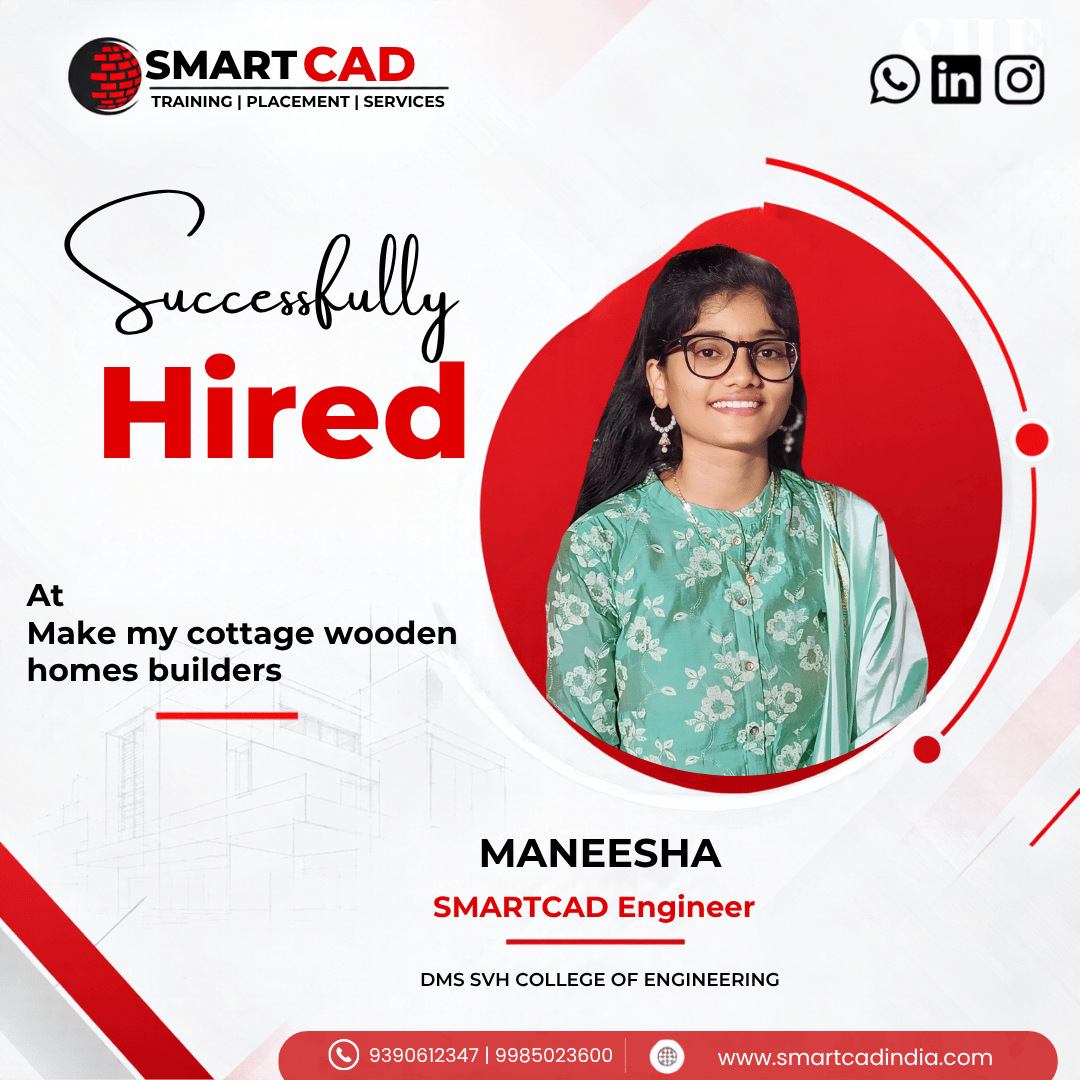
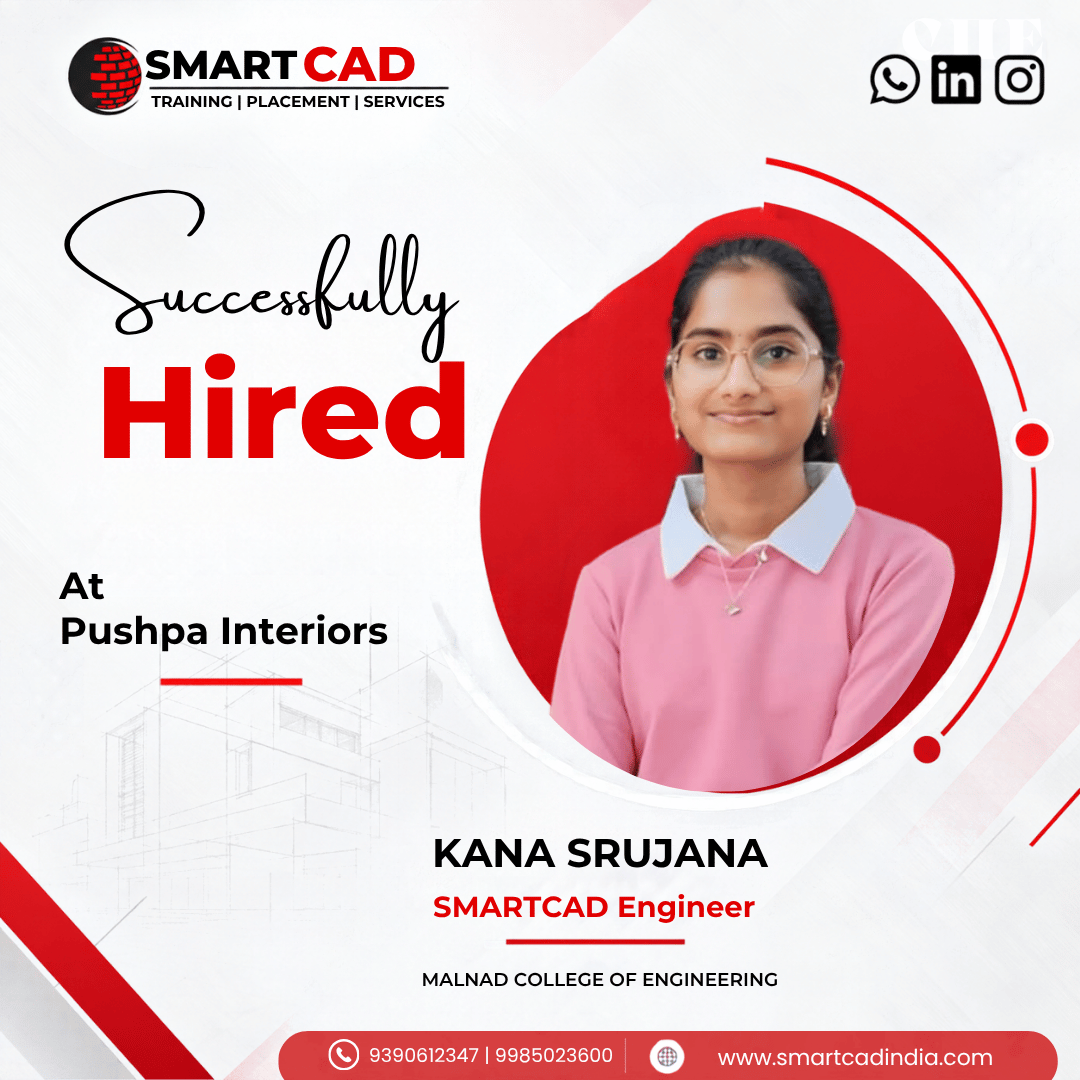
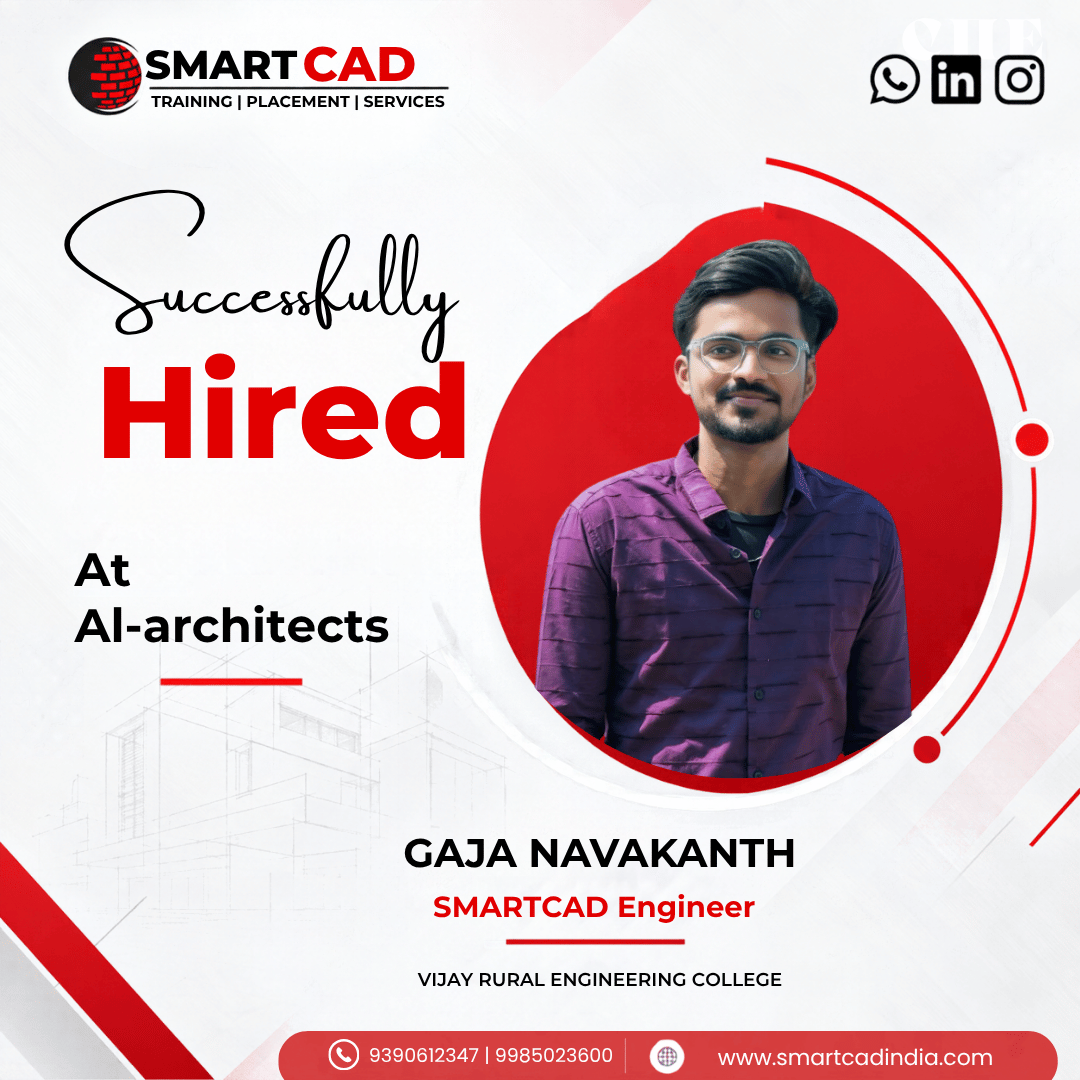
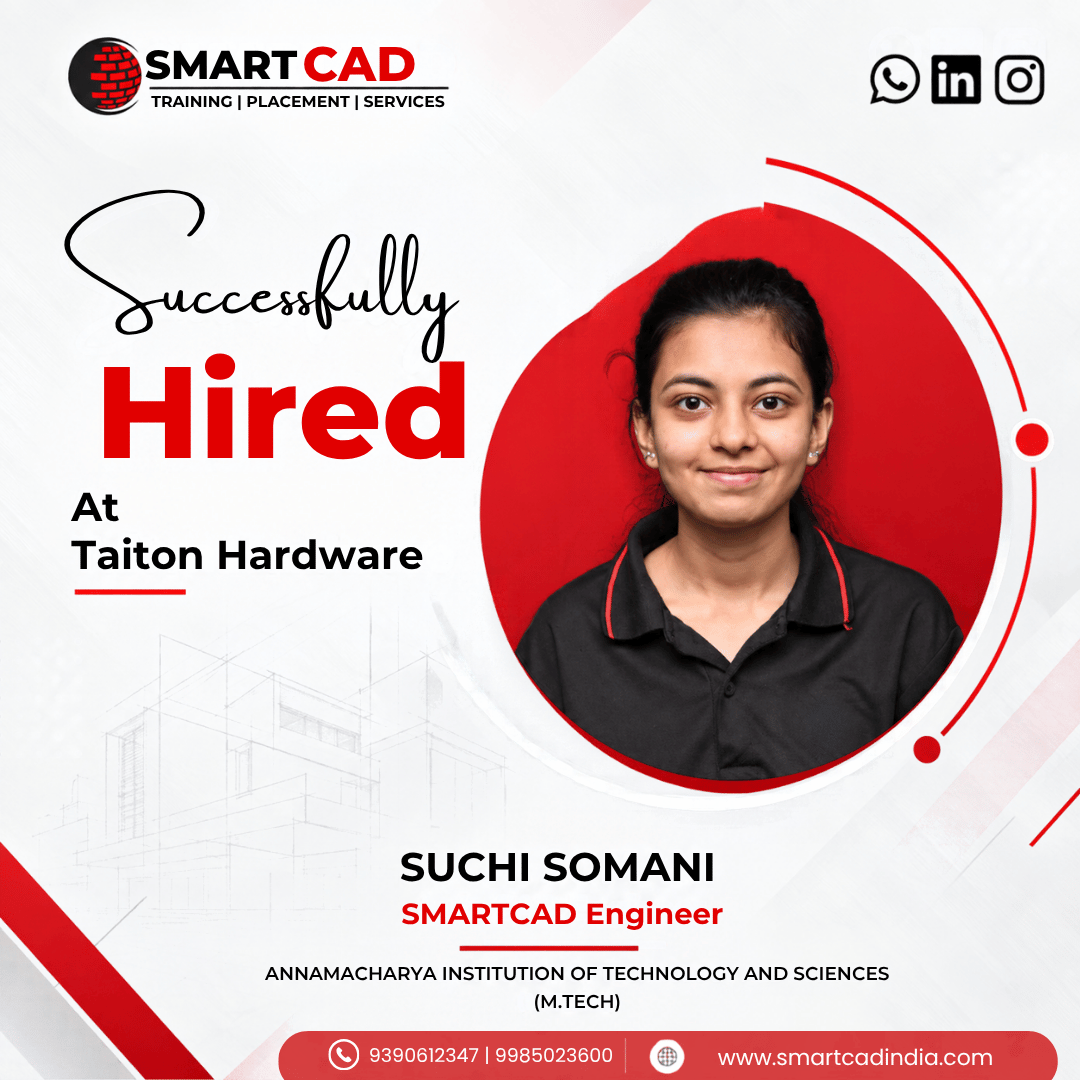
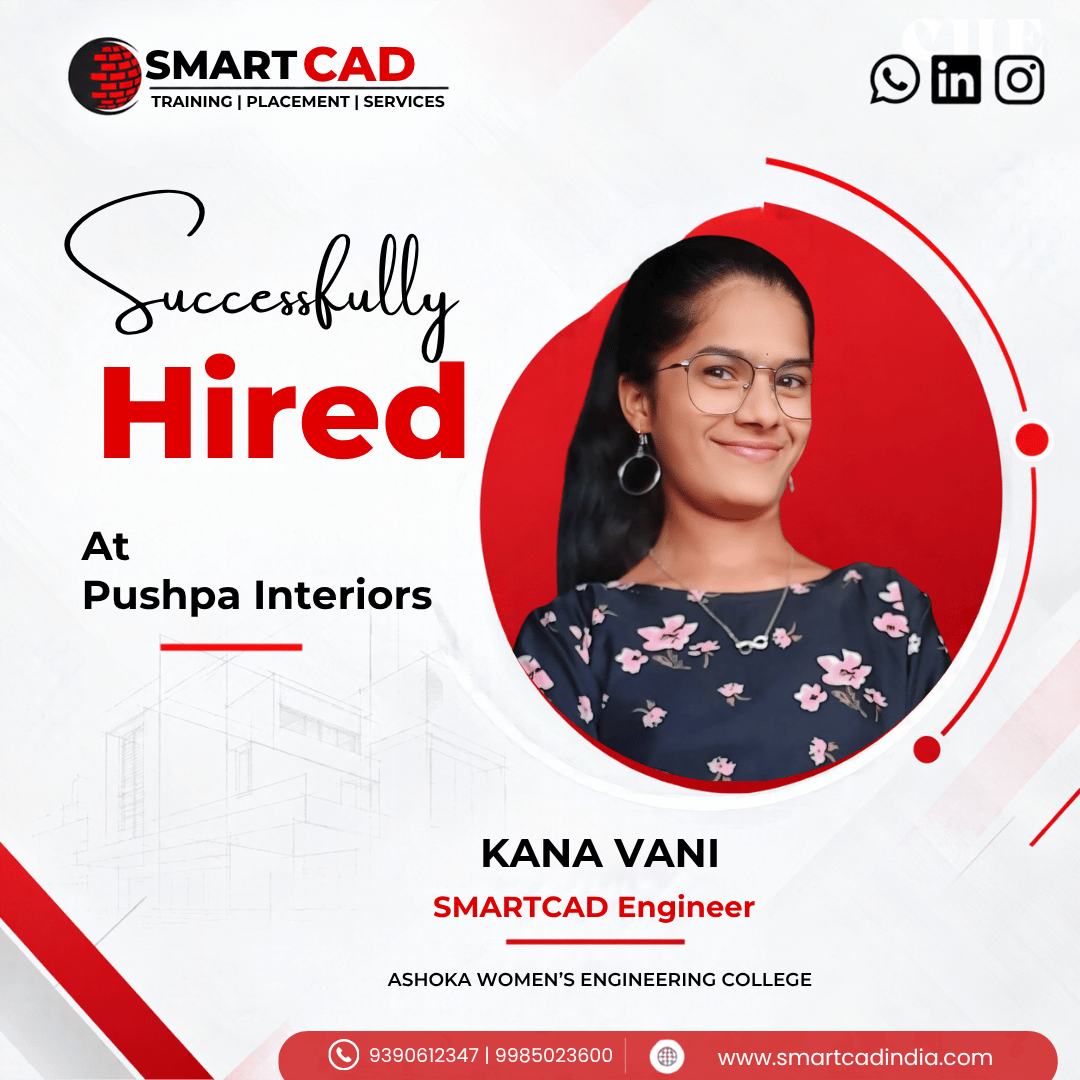
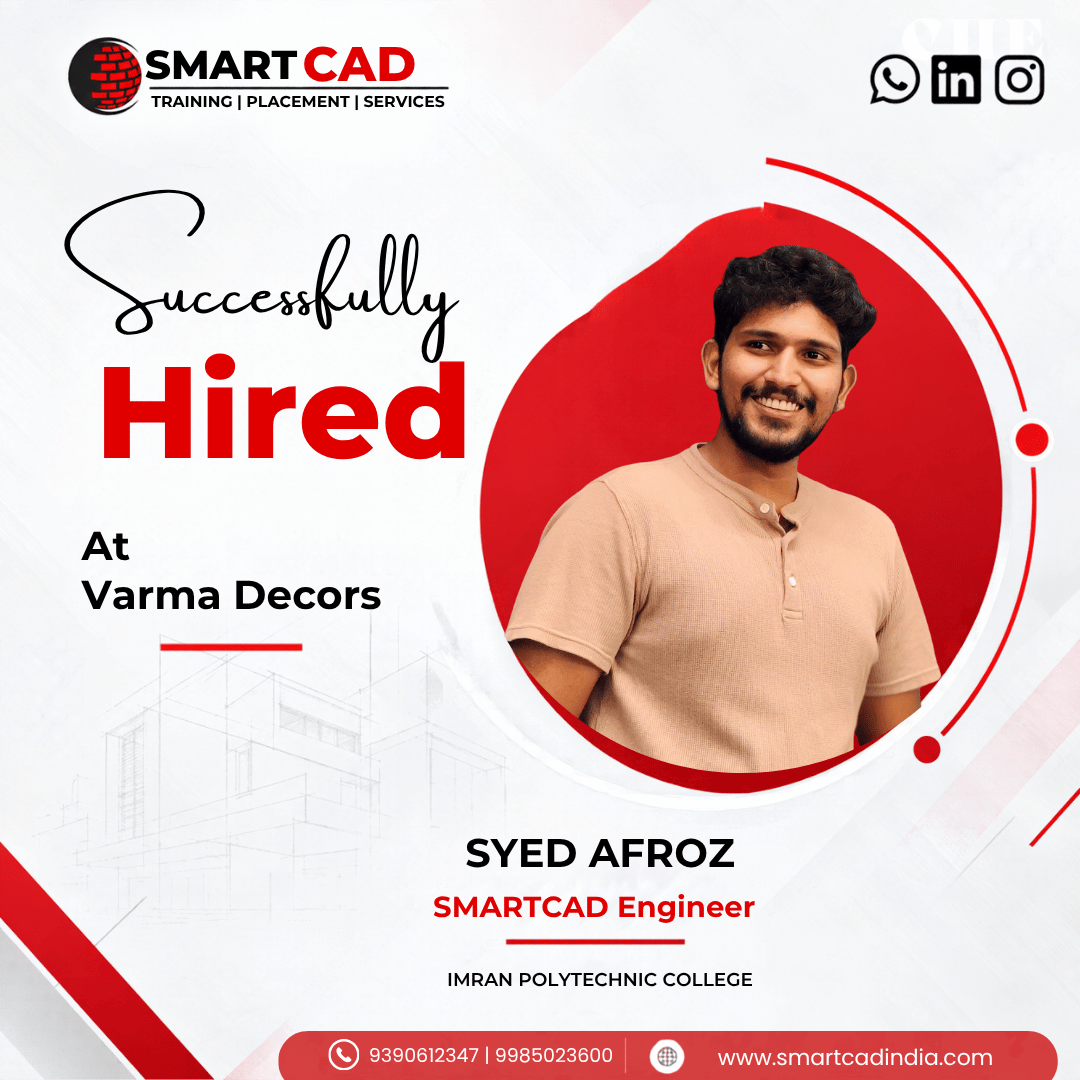
From classroom learning to professional careers — see how SmartCAD India students are applying their skills in the industry.
STUDENT EXPERIENCES
Hear from students who learned industry-relevant CAD and design skills, worked on practical projects, and took the next step toward their careers.
Twinmotion is designed for a wide range of users, including architects, designers, filmmakers, hobbyists, students, and educators.
Twinmotion is free for individuals and companies with annual gross revenue under $1 million USD. For those exceeding this threshold, Twinmotion can be purchased for $445 USD per seat per year or as part of the Unreal Subscription for $1,850 USD per seat per year.
Twinmotion requires a 64-bit operating system, a multi-core processor, at least 8 GB of RAM, and a DirectX 11 compatible graphics card. For optimal performance, higher specifications are recommended.
Yes, Twinmotion supports the creation of standard and 360° VR videos, making it suitable for immersive virtual reality presentations.
Yes, SmartCAD India provides hands-on training with live projects for better understanding and industry exposure.