- 9390612347 | 9985023600
- dilsukhnagar@smartcadindia.com
- Hyderabad, Bengaluru
PHOTOSHOP TRAINING COURSE
Learn professional image editing and graphic design with the Photoshop Course in Hyderabad at SmartCAD India. This course is designed for students, graphic designers, photographers, digital marketers, and creative professionals
Fill the form and our team will get in touch with you.
A Photoshop course is an educational program designed to teach individuals how to use Adobe Photoshop, one of the most popular and powerful image editing software tools available. Adobe Photoshop is widely used by professionals and hobbyists alike for tasks such as photo retouching, graphic design, digital painting, and more. This course aims to provide learners with the skills and knowledge needed to effectively utilize Photoshop’s features and tools for a variety of creative and professional applications. The Photoshop course covers a comprehensive range of topics, from basic photo editing techniques to advanced graphic design and digital art skills. The curriculum is typically designed to cater to different skill levels, from beginners to advanced users, and may include practical exercises, projects, and real-world applications. Learn about the Photoshop interface, tools, and workspace layout. We are the best Photoshop training institute in Hyderabad.
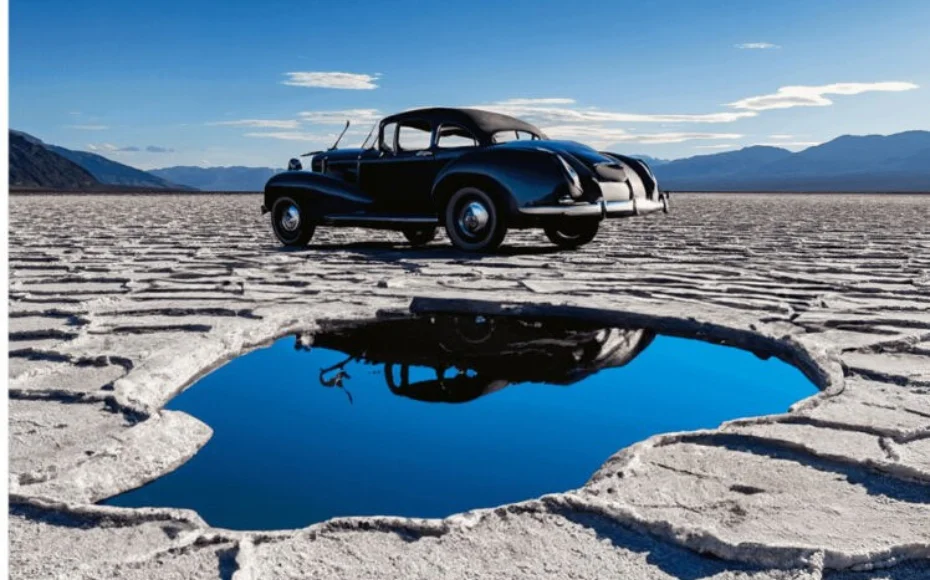
A Photoshop course is a structured educational program designed to teach individuals how to use Adobe Photoshop, a leading software application for image editing, graphic design, and digital art. This course provides comprehensive training on how to effectively utilize Photoshop’s diverse set of tools and features to achieve various creative and professional outcomes. The Photoshop course covers fundamental to advanced techniques in image manipulation, graphic design, and digital artistry. It is tailored to different skill levels, from beginners who are new to the software to advanced users seeking to refine their skills. We are the best Photoshop training institute in Hyderabad.
SmartCAD India is the best Photoshop course training institute in Hyderabad. We are providing 100% placement assistance in Hyderabad. SmartCAD India training institute provides high-quality education and practical training to grab skills in software design. We are providing training with industry experts. SmartCAD India Training Institute has industry partners, offering students internships and career placement assistance. SmartCAD India Training Institute provides ISO certification after completing the Photoshop course. Choose SmartCAD India training institute for a successful career and professional growth. We are the best Photoshop training institute in Hyderabad.
WHY SMARTCAD INDIA
Get practical, industry-focused training with experienced trainers, hands-on projects, and personal guidance throughout your learning journey.
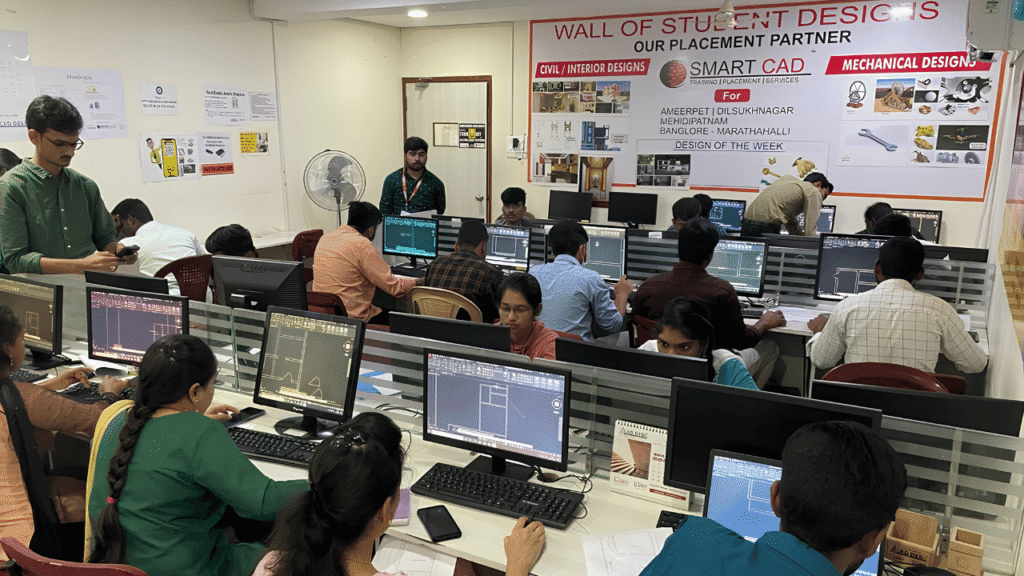
Learn CAD, BIM, Architecture, Civil and Mechanical tools through practical, job-oriented training.
Learn from experienced professionals who simplify complex concepts and guide you through real projects.
Work on real-world projects and assignments to turn classroom knowledge into practical skills.
Get one-to-one support, doubt clarification and guidance whenever you need it.
Student Support
CAREER NETWORK
Our students build industry-ready skills that open opportunities across architecture, engineering, construction, design and project management.






STUDENT SUCCESS
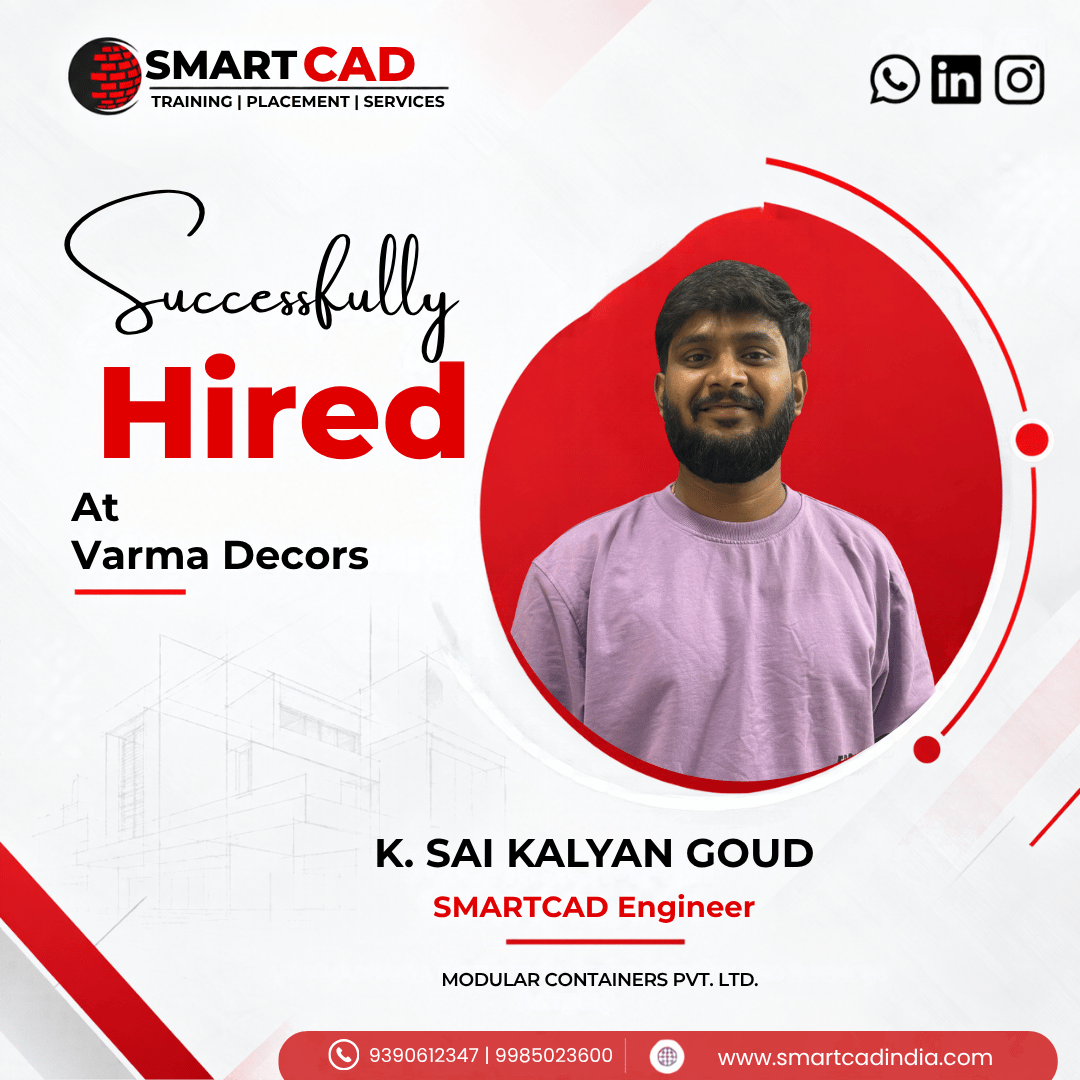
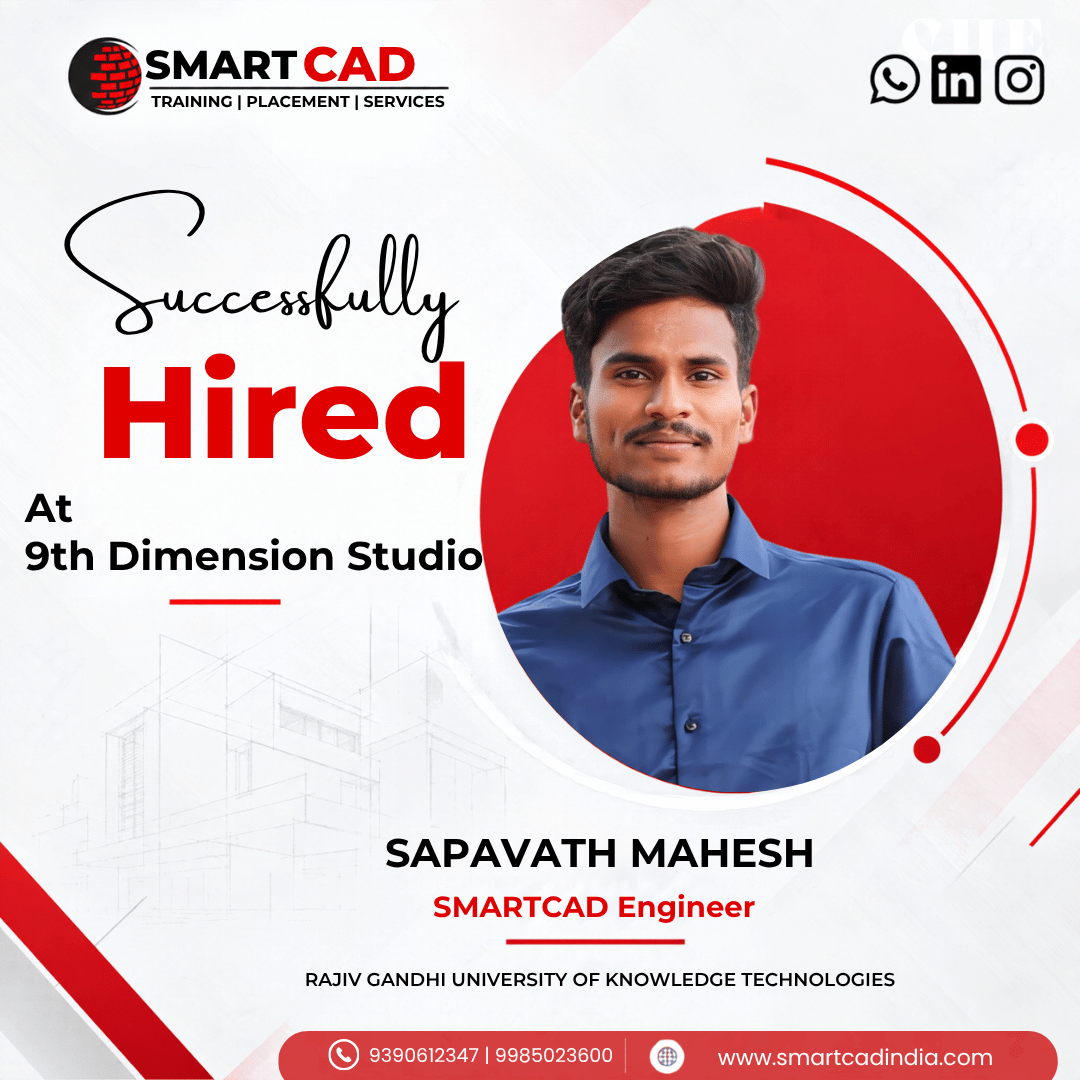
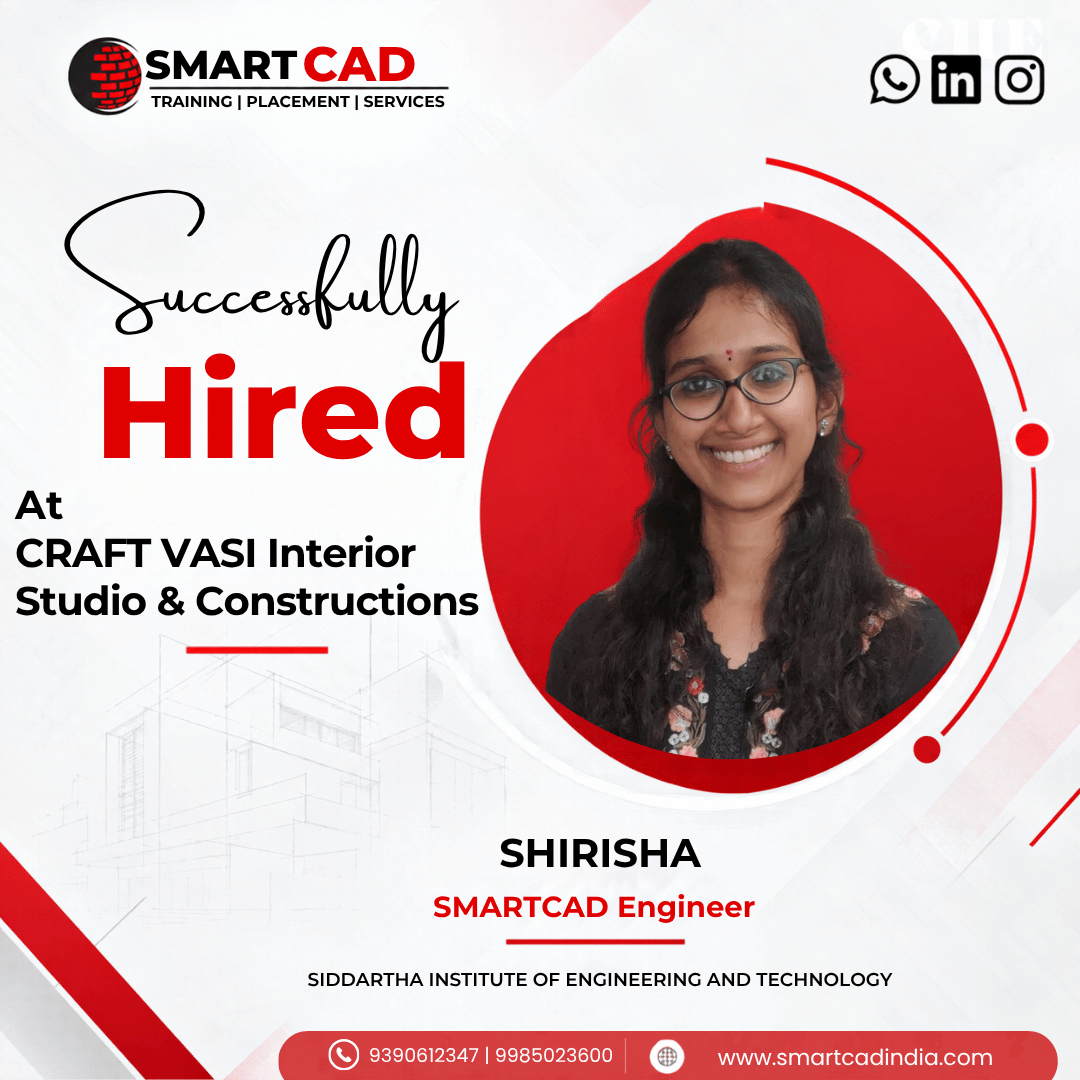
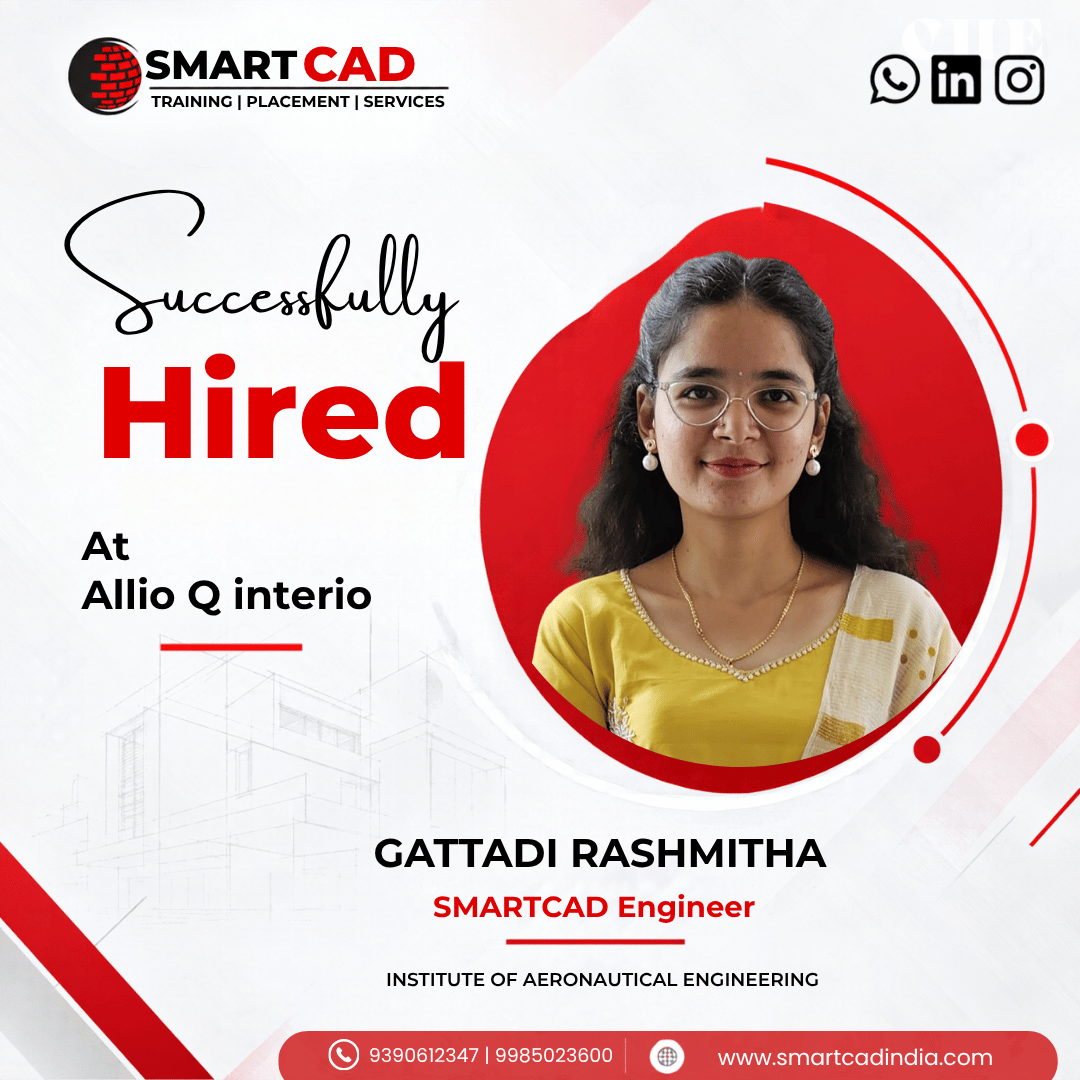
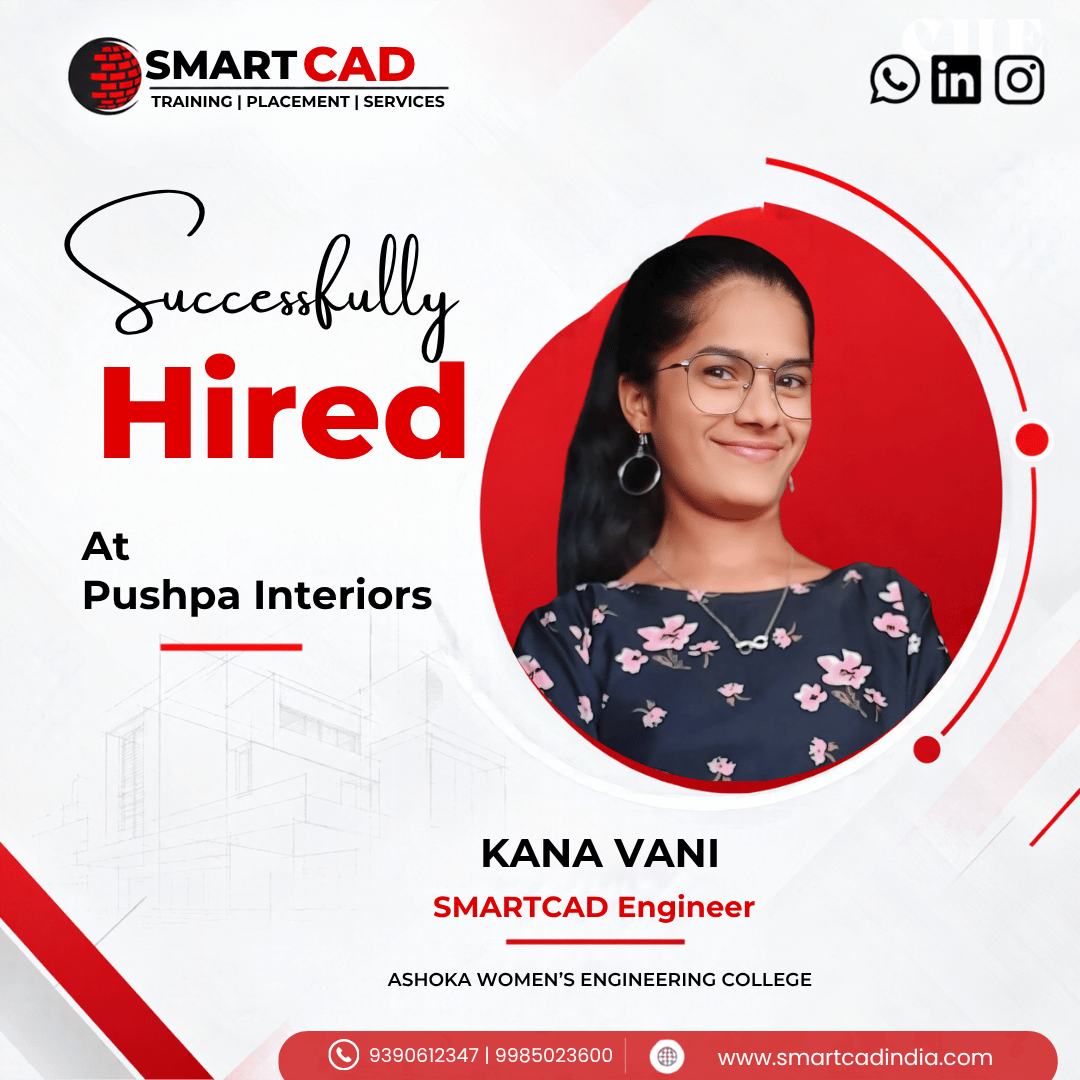
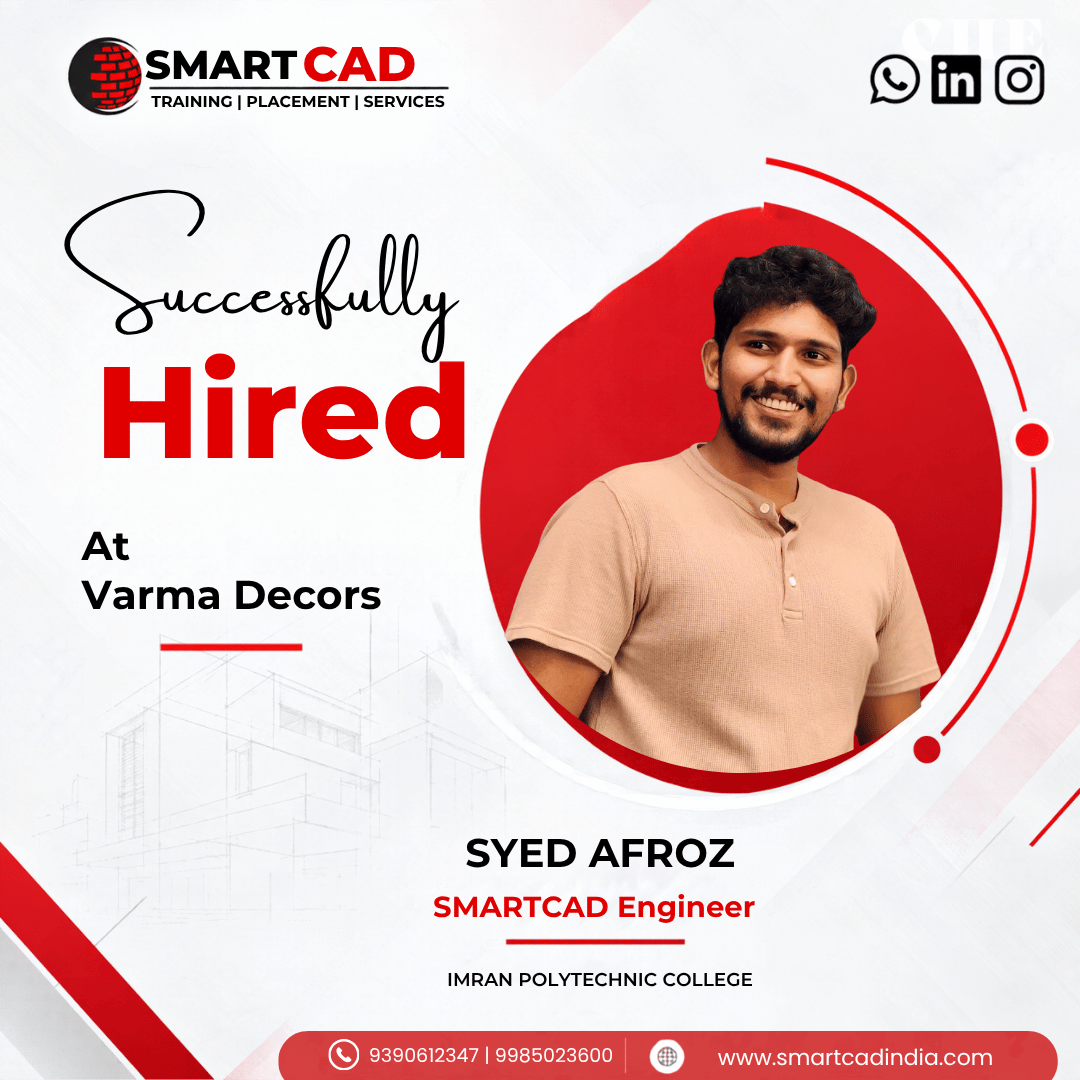
From classroom learning to professional careers — see how SmartCAD India students are applying their skills in the industry.
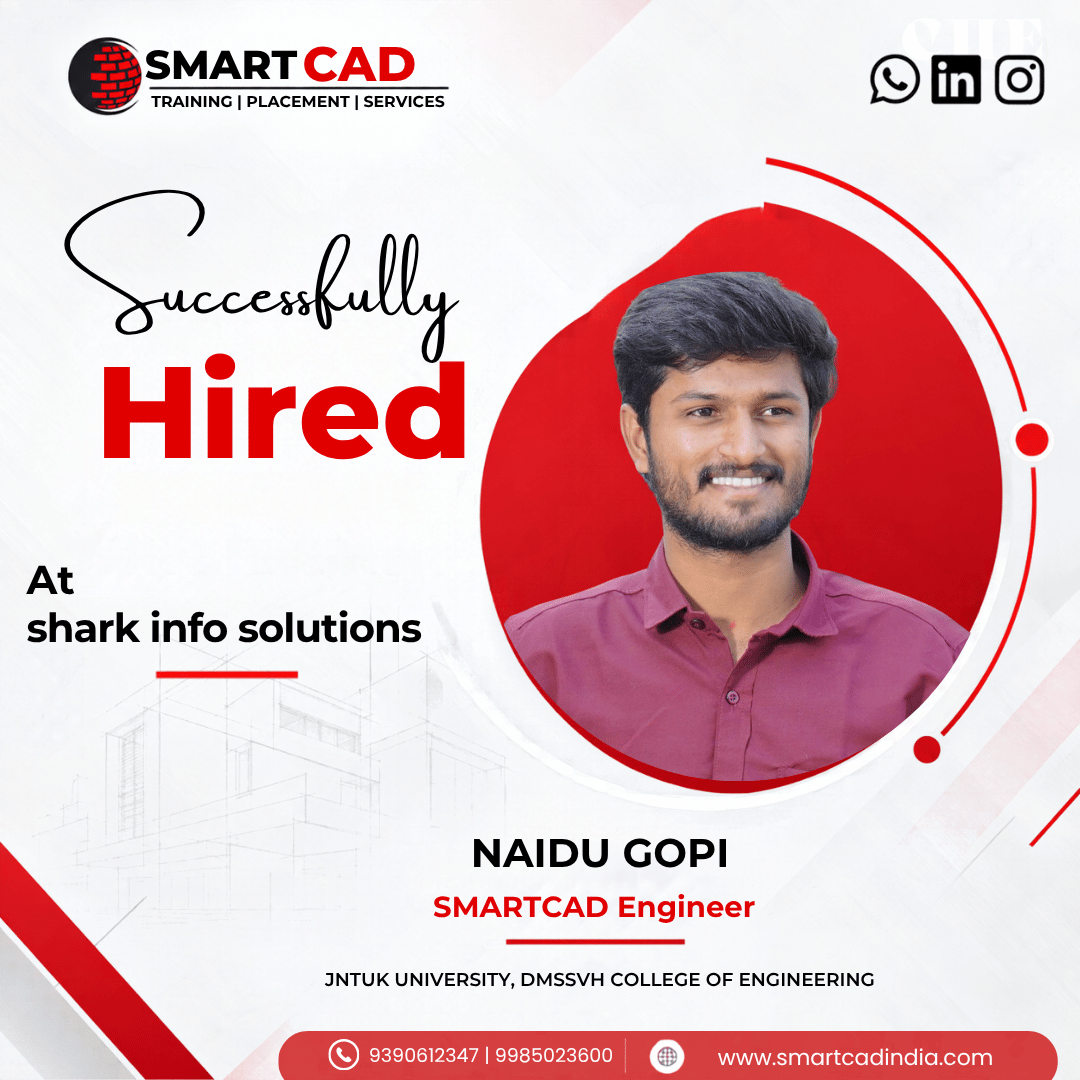
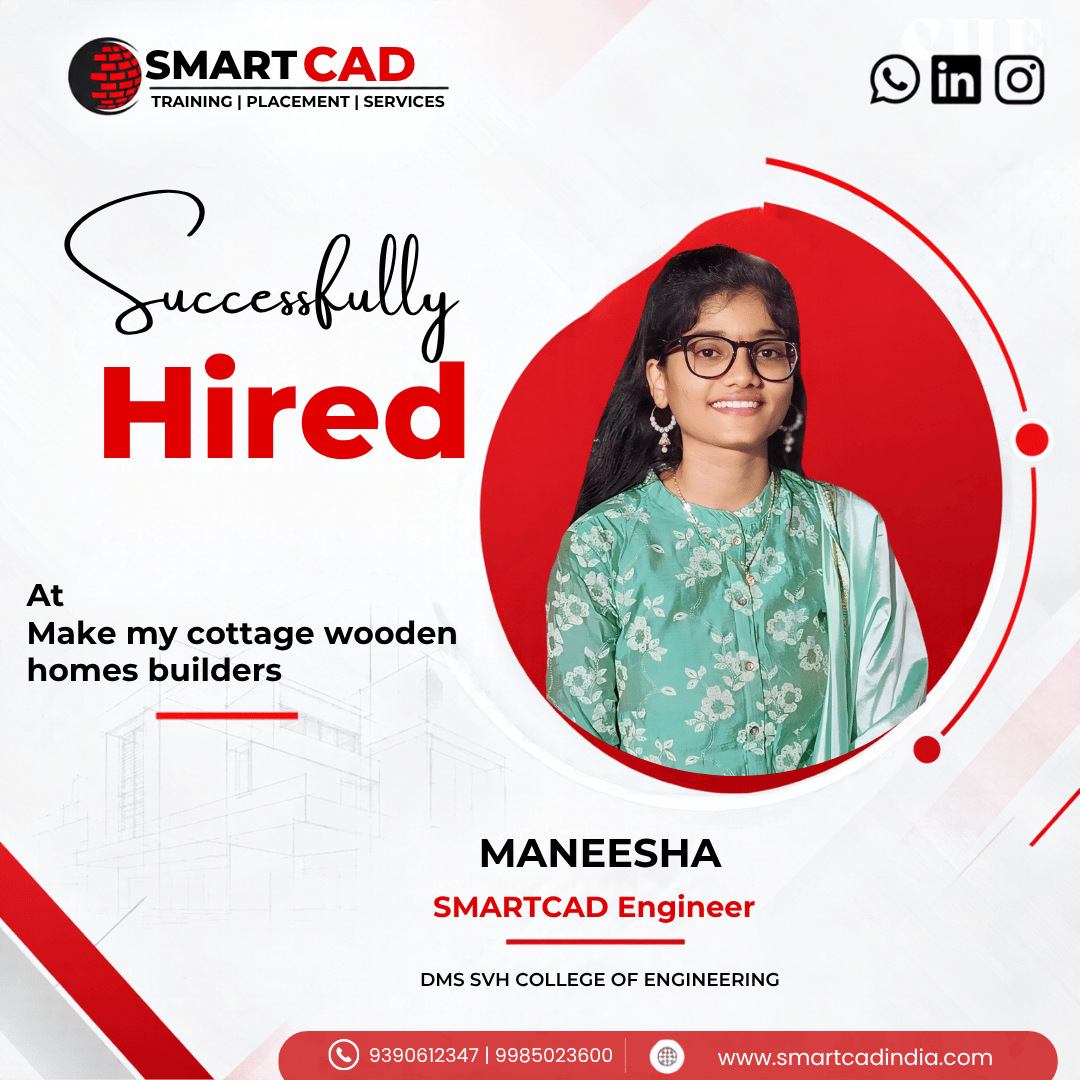
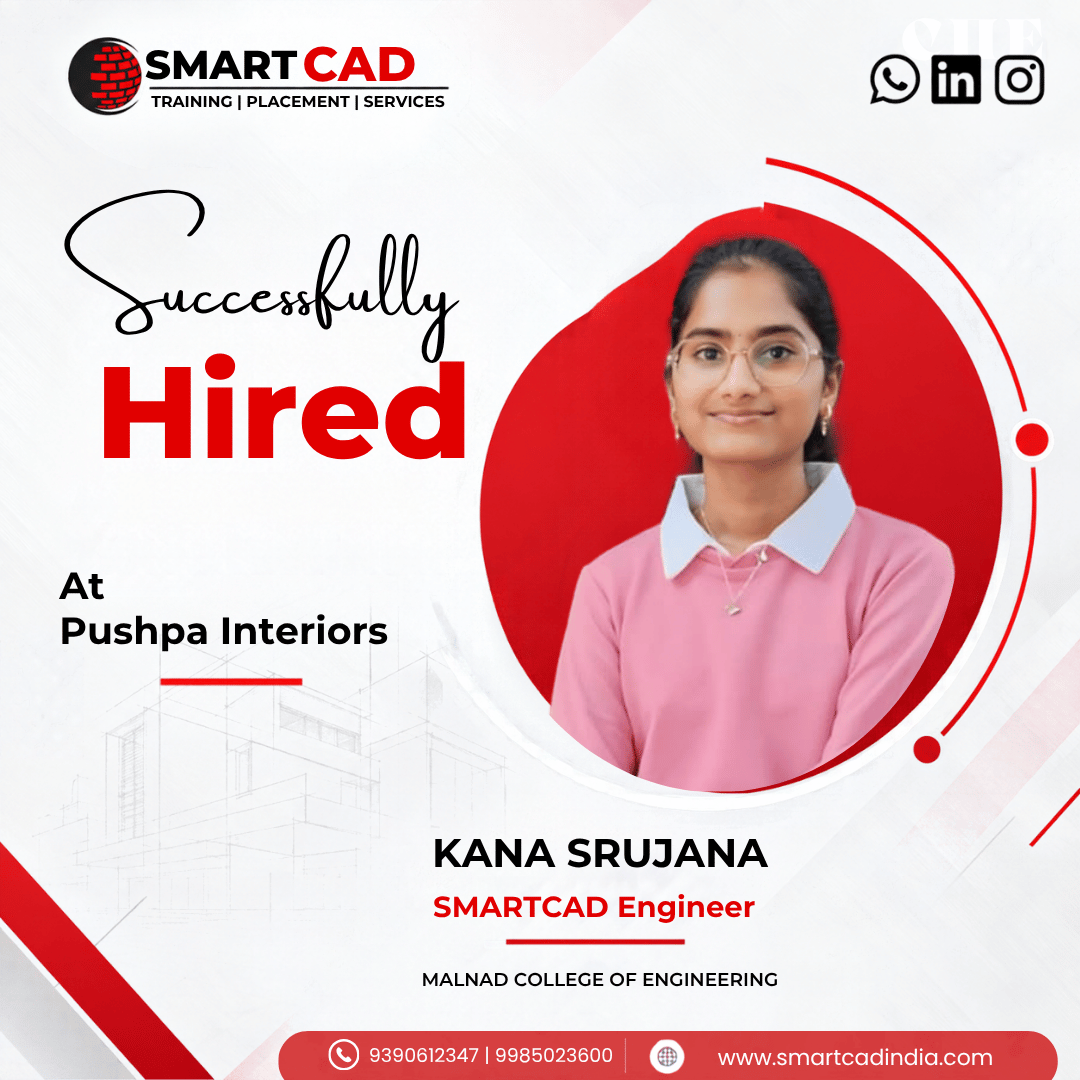
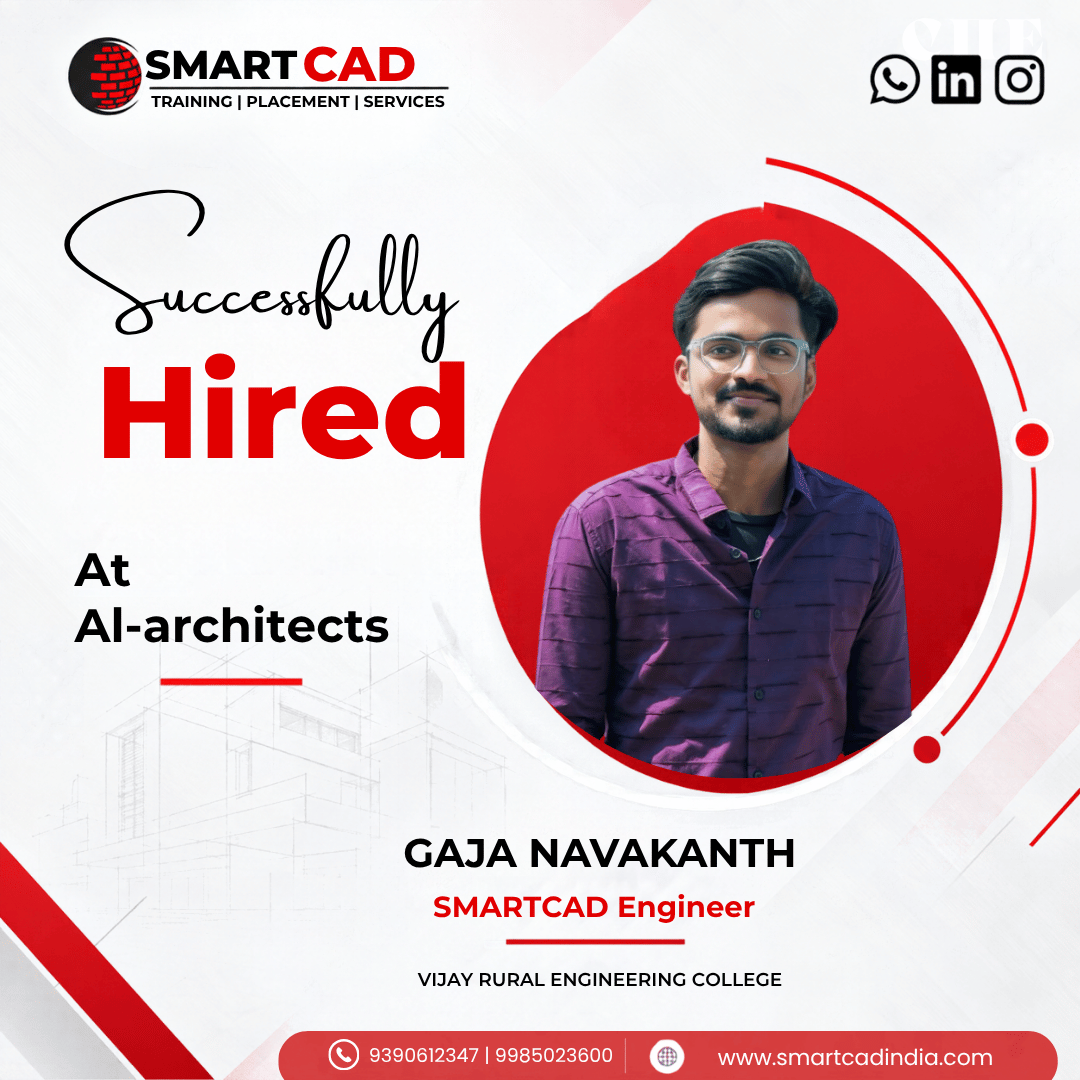
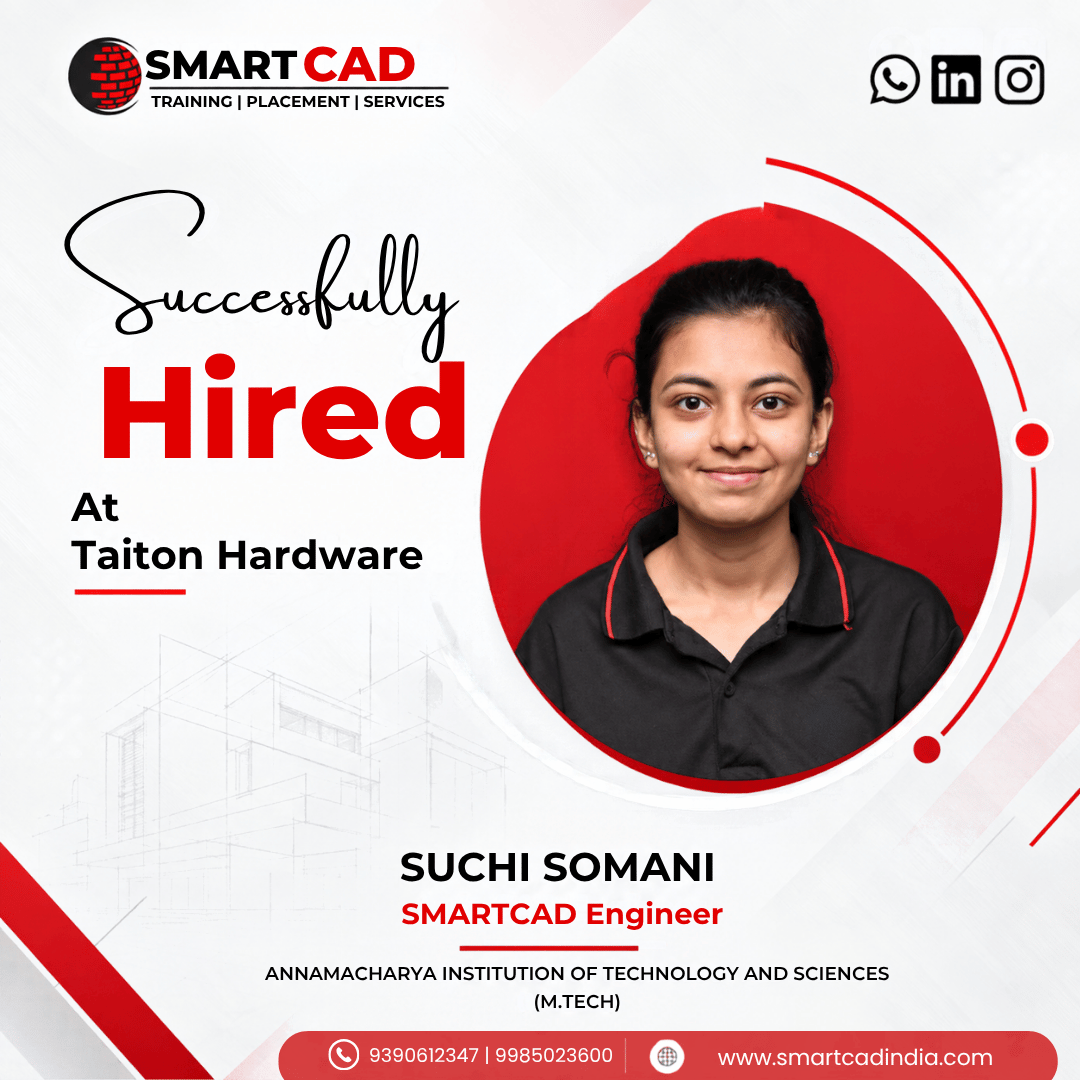
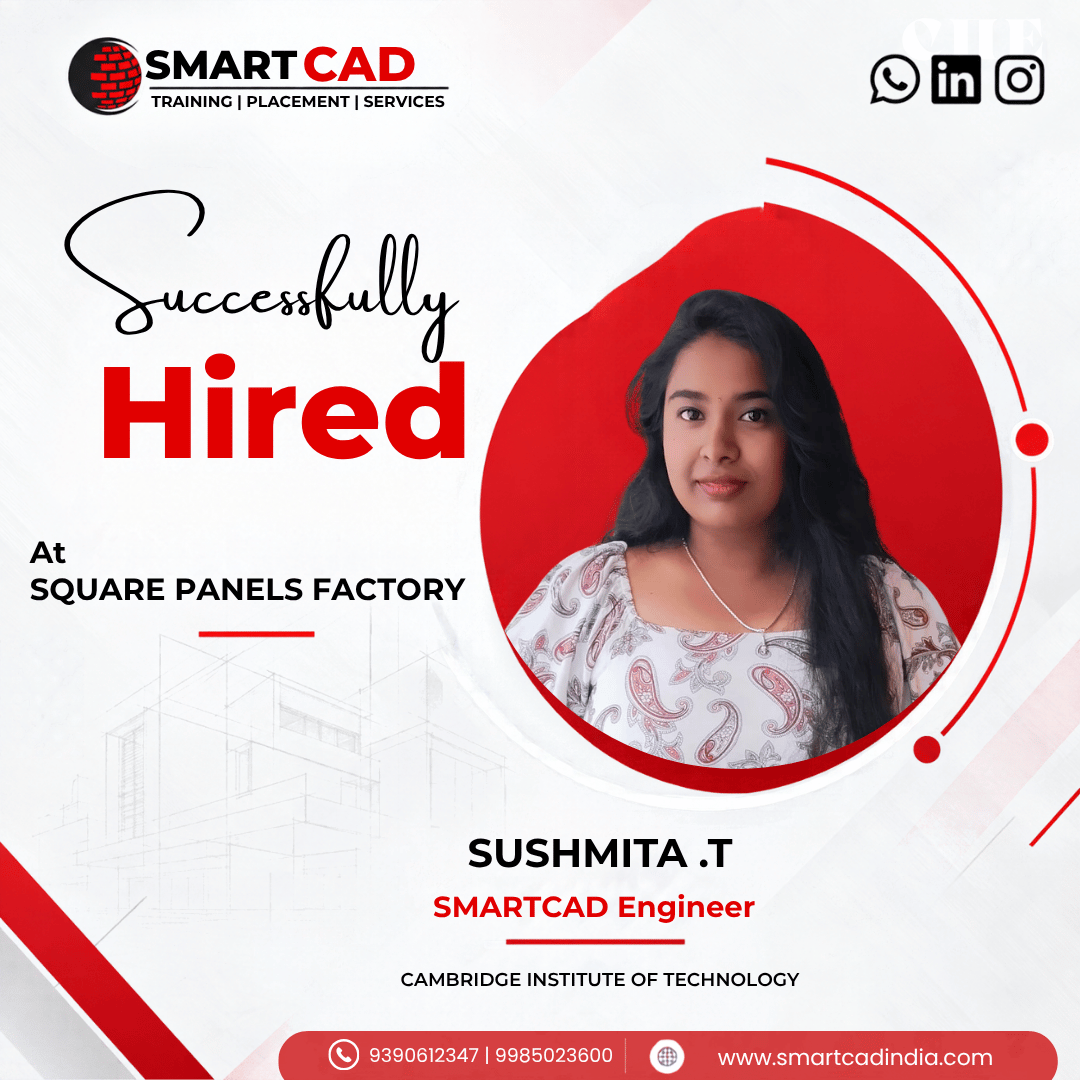
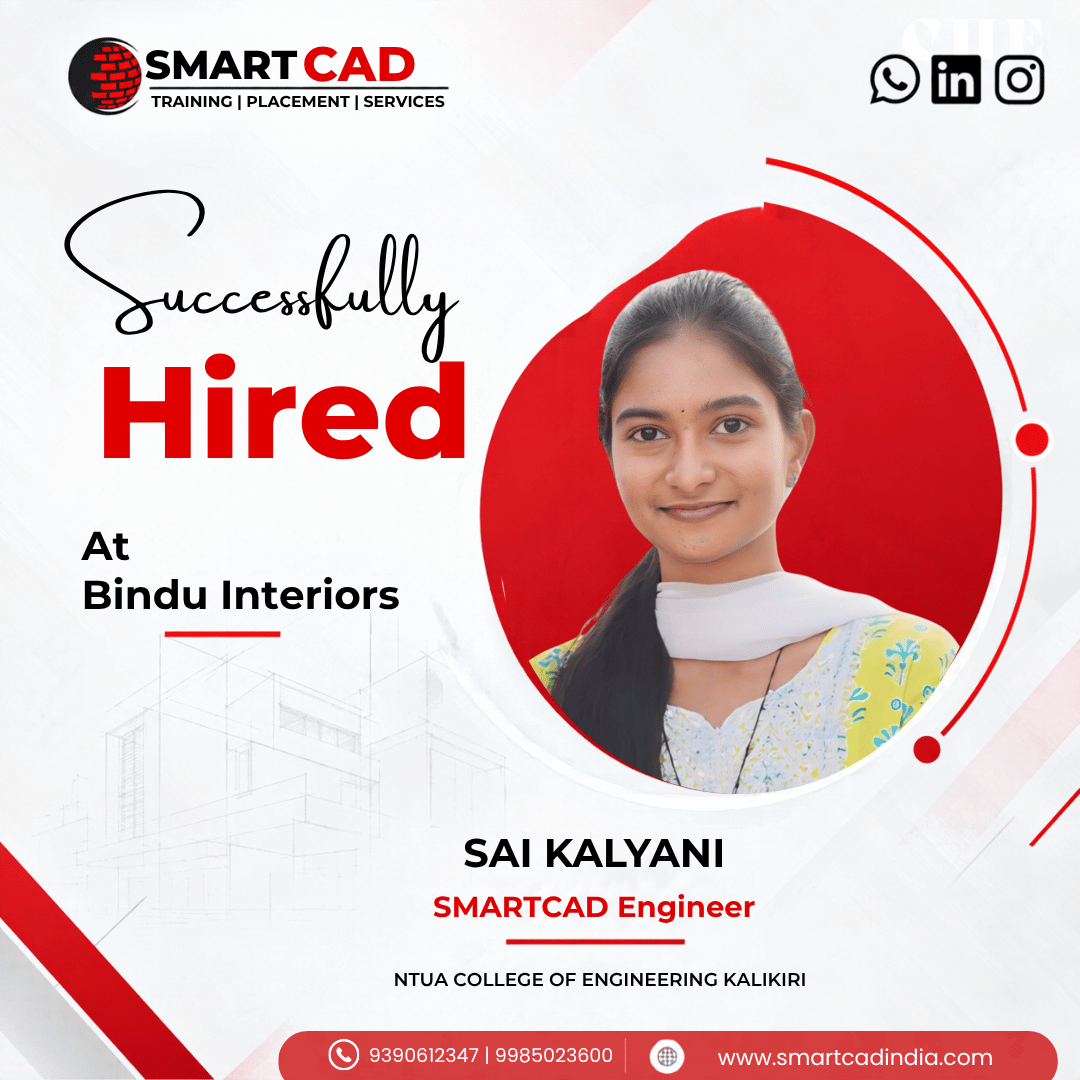
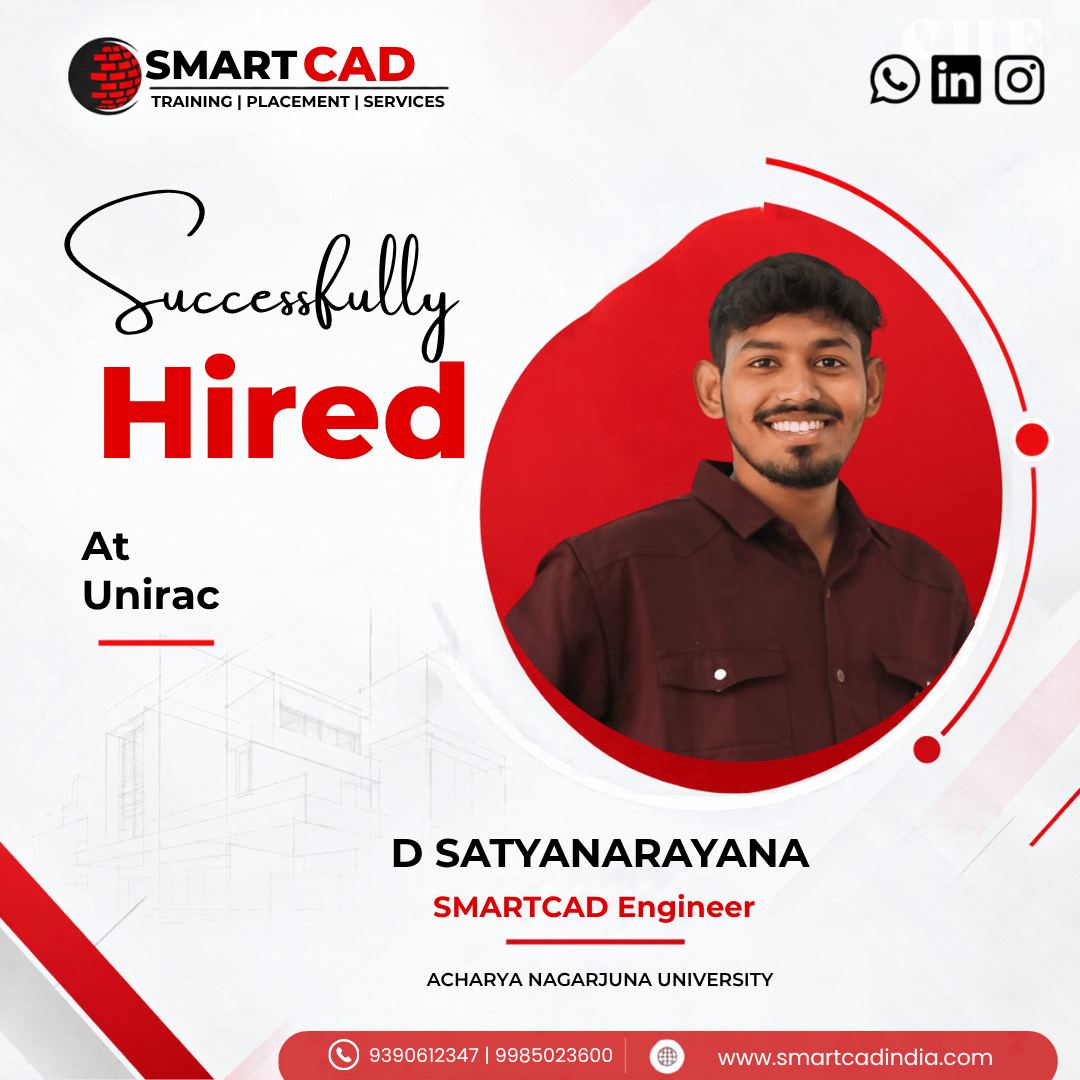
STUDENT EXPERIENCES
Hear from students who learned industry-relevant CAD and design skills, worked on practical projects, and took the next step toward their careers.
Photoshop supports a wide range of file formats, including:
Photoshop is a full-featured, professional-grade image editing tool, while Photoshop Elements is a simpler, more affordable version designed for beginners and casual users. Elements includes many core features of Photoshop but with a more user-friendly interface and simplified tools.
A PSD (Photoshop Document) is the default file format for saving projects in Photoshop. It preserves all layers, adjustments, masks, and other editable elements, allowing users to go back and make further changes without losing any data.
Yes, Photoshop can edit RAW images using Adobe Camera Raw (ACR), a plugin that comes bundled with the software. ACR allows you to adjust exposure, contrast, white balance, and more before opening the image in Photoshop for further editing.
A layer in Photoshop is a separate level within a project that can contain images, text, or effects. Layers allow users to work on different elements of an image independently, making complex edits easier to manage. Layers can be rearranged, blended, hidden, or deleted without affecting other parts of the design.
Yes, SmartCAD India provides hands-on training with live projects for better understanding and industry exposure.