- 9390612347 | 9985023600
- dilsukhnagar@smartcadindia.com
- Hyderabad, Bengaluru
MICROSOFT PROJECT TRAINING COURSE
The Microsoft Project course in Hyderabad at SmartCAD India focuses on hands-on learning through practical exercises and project-based assignments. Students can develop the skills required to plan, schedule, monitor, and manage project activities using Microsoft Project.
Fill the form and our team will get in touch with you.
The Microsoft Project course is designed to teach individuals how to effectively use Microsoft Project, a popular project management software developed by Microsoft. Microsoft Project is widely used for planning, scheduling, and managing projects across various industries, including construction, IT, and manufacturing. Learning how to set up projects, navigate the software, and customize the workspace. Managing and analyzing multiple projects within a portfolio, prioritizing projects, and aligning them with organizational goals. Ensuring efficient use of resources across multiple projects and resolving conflicts. The Microsoft Project course provides essential training in using Microsoft Project for effective project management. It equips professionals with the skills needed to plan, schedule, and manage projects efficiently, leading to improved project outcomes and career growth. We are the best Microsoft Project training institute in Hyderbad.

The Microsoft Project course is a training program designed to teach individuals how to use Microsoft Project software, a widely used tool for project management. The course covers various aspects of project planning, scheduling, resource management, and tracking, providing users with the skills needed to effectively manage and control projects from start to finish. The Microsoft Project course provides valuable training in using Microsoft Project software for effective project management. It equips professionals with the skills needed to plan, schedule, and control projects, leading to improved project outcomes and career advancement. Flexible learning options that allow you to study at your own pace from any location. Assigning and managing resources such as personnel, equipment, and materials. Adding, organizing, and scheduling tasks, setting durations, and establishing task dependencies. We are the best microshoft project training institute in Hyderabad.
SmartCAD India is the best Microsoft Project course training institute in Hyderabad. We are providing 100% placement assistance in Hyderabad. SmartCAD India training institute provides high-quality education and practical training to grab skills in software design. We are providing training with industry experts. SmartCAD India Training Institute has industry partners, offering students internships and career placement assistance. SmartCAD India Training Institute provides ISO certification after completing the Microsoft Project course. Choose SmartCAD India training institute for a successful career and professional growth. We are the best Microsoft Project training institute in Hyderabad.
WHY SMARTCAD INDIA
Get practical, industry-focused training with experienced trainers, hands-on projects, and personal guidance throughout your learning journey.
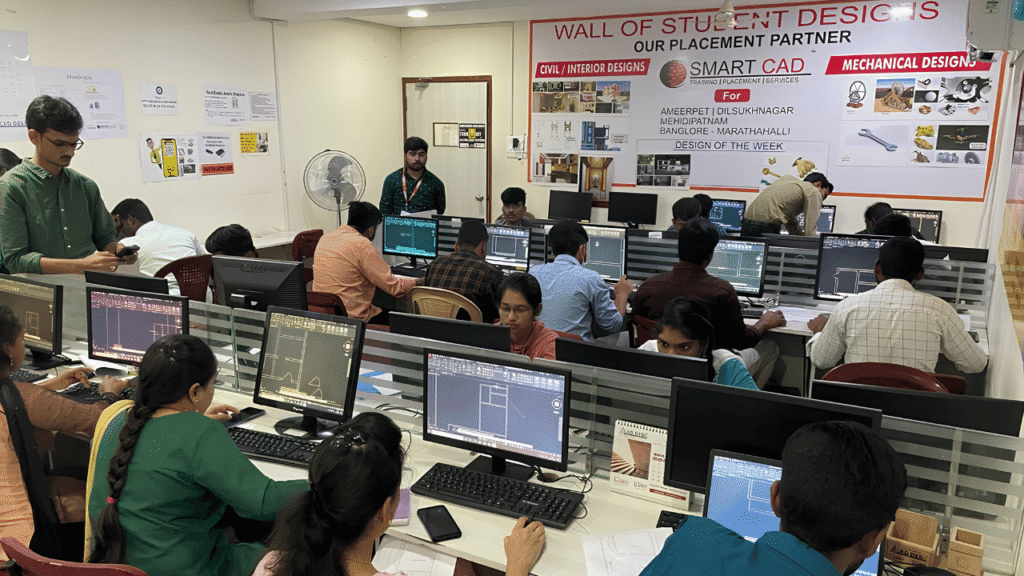
Learn CAD, BIM, Architecture, Civil and Mechanical tools through practical, job-oriented training.
Learn from experienced professionals who simplify complex concepts and guide you through real projects.
Work on real-world projects and assignments to turn classroom knowledge into practical skills.
Get one-to-one support, doubt clarification and guidance whenever you need it.
Student Support
CAREER NETWORK
Our students build industry-ready skills that open opportunities across architecture, engineering, construction, design and project management.









STUDENT SUCCESS
From classroom learning to professional careers — see how SmartCAD India students are applying their skills in the industry.








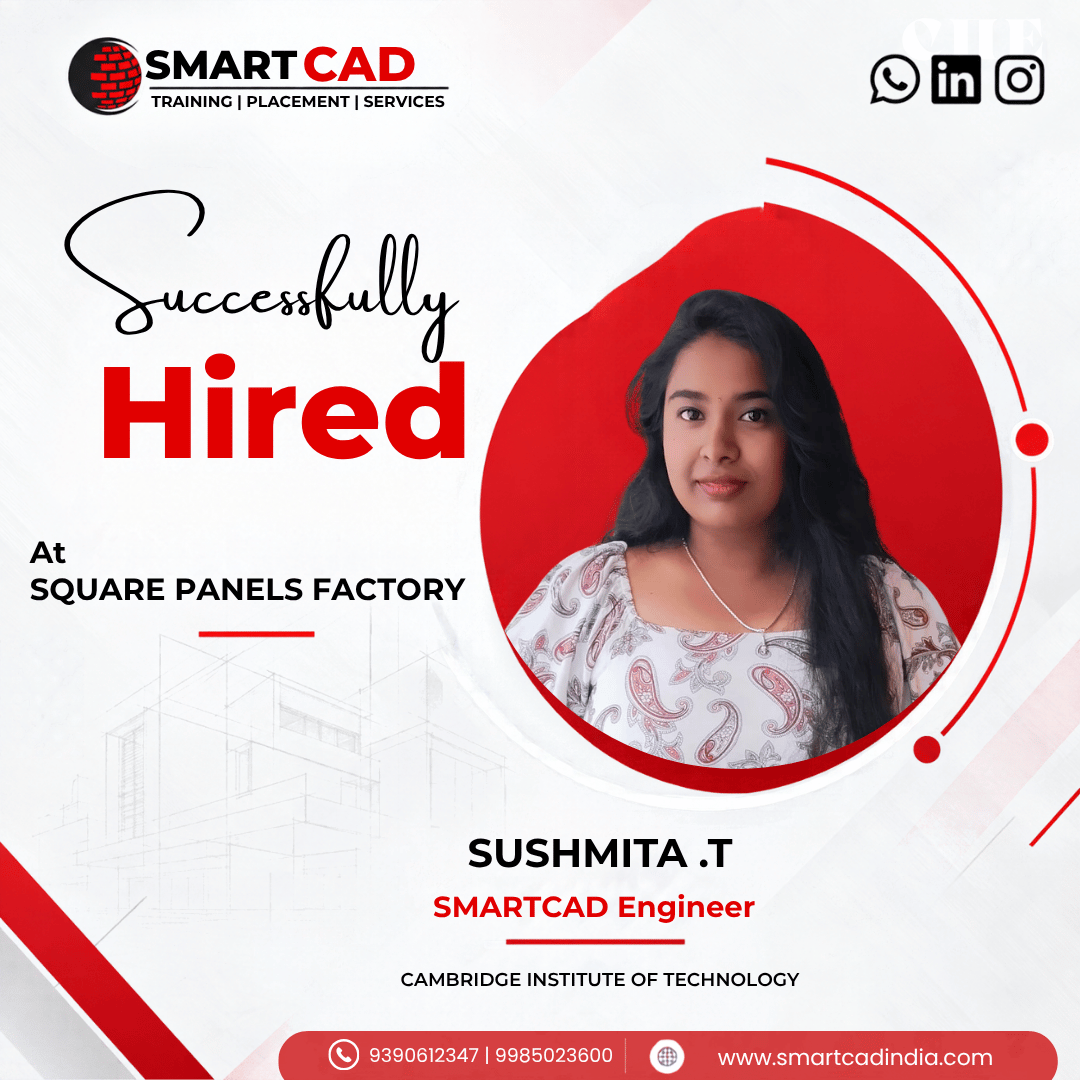


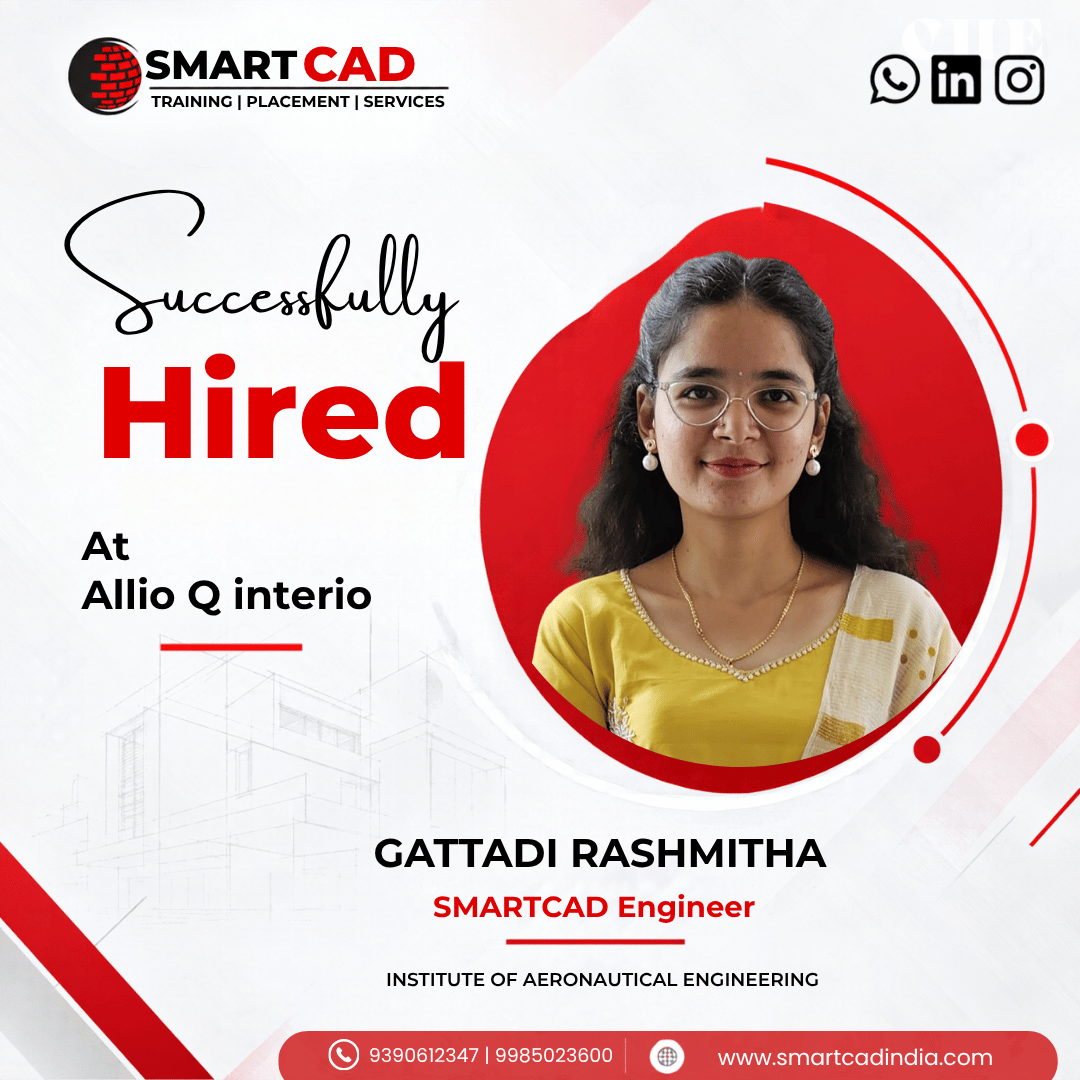


STUDENT EXPERIENCES
Hear from students who learned industry-relevant CAD and design skills, worked on practical projects, and took the next step toward their careers.
Microsoft Project is a project management software that helps you plan, track, and manage projects effectively. It offers tools for scheduling, task allocation, budget management, and resource planning.
Learning Microsoft Project will help you streamline project planning, ensure efficient resource allocation, and improve overall project tracking and management. It’s essential for professionals in project management roles.
Basic knowledge of project management concepts and familiarity with Microsoft Office applications are recommended. However, no prior experience with Microsoft Project is required.
The duration of the training varies, but it usually takes anywhere from a few days to a few weeks, depending on the course level (basic, intermediate, advanced) and the training provider.
Yes, there are various online training platforms that offer Microsoft Project courses. Choose one that offers live sessions, practical assignments, and certification to get the most out of your learning.
Topics typically include project initiation, task creation and management, resource allocation, project scheduling, budgeting, and reporting. Advanced modules may cover earned value analysis and risk management.